We may earn a commission when you buy through links on this page. It doesn’t change our recommendations or your price.
GTA VI needs up to 212 GB, and on an original PS5 that’s a third of the usable storage. The cheapest fix is an M.2 SSD in the console’s expansion slot. The awkward part is timing: SSD prices have climbed sharply during the 2026 memory shortage, and a decent 1 TB drive now costs $170–210. Below are the drives worth buying at today’s prices, and the specs that actually matter.
What Sony actually requires
Sony’s list is short, and most current drives meet it:
- PCIe 4.0 NVMe M.2 drive, between 250 GB and 8 TB. SATA M.2 drives don’t work.
- 5,500 MB/s sequential read or faster, recommended rather than required.
- A heatsink or heat-spreader is required. With it fitted, the drive can be at most 11.25 mm thick, 8 mm of it above the board.
- Any length from 2230 to 22110. Almost every drive is 2280.
Two things in the small print matter more than the headline speed. First, Sony warns that games may not perform exactly the same as on the internal SSD even when a drive is faster than 5,500 MB/s. Second, the PS5 doesn’t support Host Memory Buffer (HMB). That’s the feature cheaper “DRAM-less” drives use on a PC to make up for having no memory cache of their own. Without it, some of those drives can fall short of their rated speed.
How much that matters is debatable. Games mostly read large files in big chunks, which is the easiest workload for any SSD, so I’d expect any drive in the table below to load games without trouble. But if you want to remove all doubt, buy a drive with its own DRAM.
1 TB drives that qualify, and what they cost
| Drive (1 TB) | Read speed | DRAM cache | Lowest price (Nov 4) |
|---|---|---|---|
| Kingston NV3 | 6,000 MB/s | No | $159 (ships later) |
| Crucial P310 | 7,100 MB/s | No | $168 |
| WD Black SN7100 | 7,250 MB/s | No | $190 |
| WD Black SN850X | 7,300 MB/s | Yes | $210 |
| Samsung 990 EVO Plus | 7,150 MB/s | No | $214 |
Skip anything cheaper. The two 1 TB drives under $150 were PCIe 3.0 models at 2,400–3,200 MB/s, which don’t meet Sony’s PCIe 4.0 requirement. PCIe 5.0 drives are a waste of money here: the console can only run them at PCIe 4.0 speed, so you’d pay $250 or more for performance you can’t use.
Which one I’d buy
The safe pick: WD Black SN850X. It’s the only drive in the table with its own DRAM, so the PS5’s lack of HMB doesn’t matter. It’s fast, it has been a popular PS5 upgrade since 2022, and WD also sells it with a heatsink already fitted. At $210 for the bare drive, it costs about $40 more than the Crucial P310, which I think is worth it for a drive you’ll keep for the life of the console.
The cheaper option: Crucial P310. At $168 it’s the cheapest drive in the table that’s in stock now and comfortably above Sony’s recommended speed. It’s DRAM-less, so it falls under Sony’s HMB warning, but for storing and loading games I’d be comfortable with it. Add a thin aftermarket heatsink, which costs around $10, and check that it fits within Sony’s 8 mm height limit.
I’d skip the Kingston NV3, even though it’s the cheapest. Kingston’s NV drives can ship with different controllers and memory chips, so two NV3s can perform differently, and the listing we found wasn’t shipping immediately anyway.
1 TB or 2 TB?
For most people, 1 TB. That holds GTA VI plus four or five other big games, on top of the console’s internal drive. A 2 TB drive costs about $260–350 right now, a little cheaper per terabyte but a much bigger bill. If you already know you’ll want 2 TB, buy it now rather than buying 1 TB and replacing it later, because the PS5 has only one expansion slot.
Be suspicious of marketplace listings far below these prices. A “new” 2 TB drive for a fraction of the going rate is more likely used, refurbished or counterfeit than a bargain. Buy from a major retailer.
Fitting it
It takes about 15 minutes and a small Phillips screwdriver. The short version of Sony’s instructions:
- Update the PS5 to the latest system software first.
- Turn the console fully off (not rest mode), unplug everything, and touch something metal to discharge static.
- Remove the cover, then the expansion slot cover. Fit the drive, with its heatsink, and screw it down.
- Put everything back together, then turn the PS5 on. It will offer to format the drive, which erases anything on it.
Don’t power the console on with the cover off. Once the drive is formatted, you can set it as the install location for new games, or move games from the internal SSD to it to make room for GTA VI’s preload, which starts on November 10. Our GTA 6 preload guide has the start times.
On Xbox it’s a different story
Xbox Series X|S consoles can’t take a standard M.2 drive. To play Series games from extra storage, you need an official expansion card from Seagate or Western Digital. Their list prices are high, but discounts are common: WD’s 1 TB WD_Black C50 sold for about $150 in May and June 2026, against an Amazon list price of $375. Wait for one of those deals rather than paying list price.
Sources
- PlayStation Support: how to add M.2 SSD storage to PS5 (requirements and installation)
- CheapestSSD: cheapest 1 TB NVMe SSDs (prices, November 4, 2026)
- PGrid: 2 TB NVMe SSD prices in the US (November 3, 2026)
- DropReference: SSD price increases in 2026
- Gizmodo: WD_Black C50 1 TB discount (May 7, 2026) and Windows Central (June 2026)
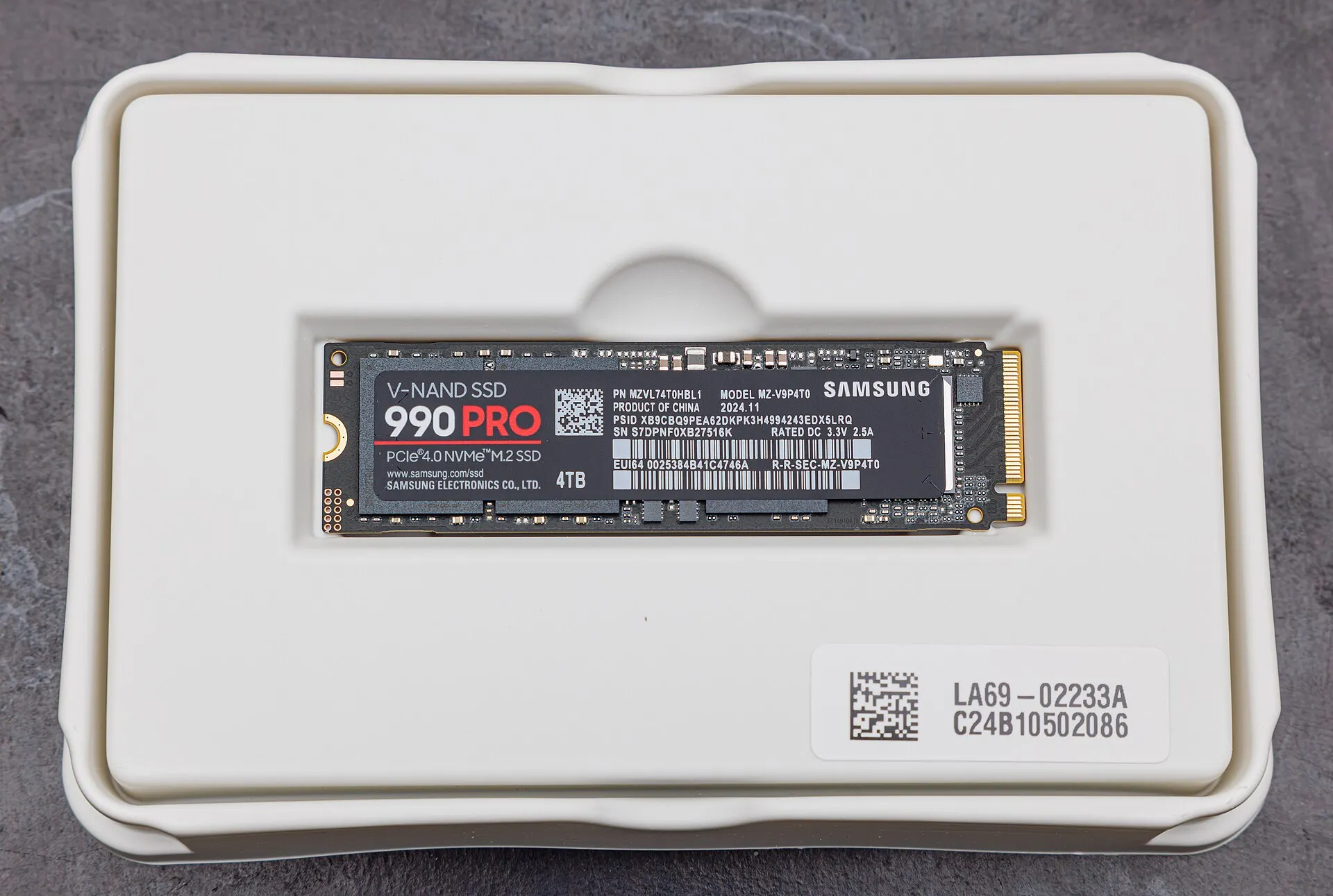
- Featured image: Samsung 990 Pro M.2 NVMe SSD by Dinkun Chen, CC BY-SA 4.0, via Wikimedia Commons